BOB is a free AI bookkeeper for small businesses that does your books, sends your invoices and collects your payments by text, WhatsApp, Slack, Teams or email.
After you sign up, you connect the tools you already use, set the limits on what BOB can do, and send BOB your first message. Setup takes a few minutes, and most companies are caught up in a few days instead of months.
This page walks through each step in order, what you need to have ready, and what BOB does while you get back to work. For the full picture of what BOB is and does, read How BOB Works.
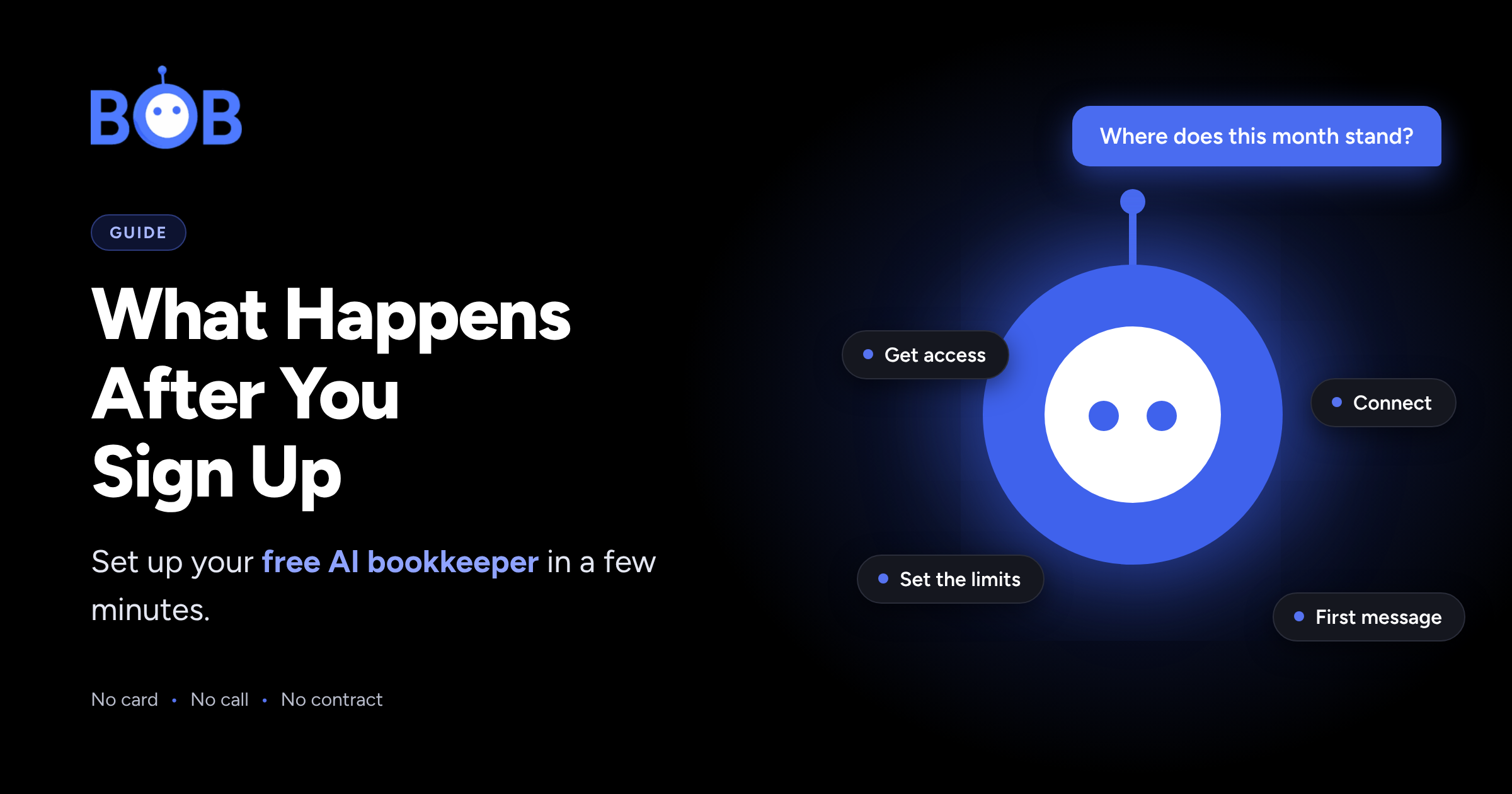
- 1. Get access: You sign up on joinbob.ai with no card, no call and no contract. BOB walks you through setup step by step.
- 2. Connect your tools: You connect your email, your bookkeeping software and your bank. BOB reads your history and starts getting your books current.
- 3. Set the limits: You turn on the permissions you want and set a dollar amount. BOB stays read-only until you allow it to act.
- 4. Send your first message: You tell BOB what you need. BOB does the work and asks you first when something needs your approval.
How do I get started with BOB?
You get started with BOB in four steps: get access, connect your tools, set the limits and send your first message. A simple interface walks you through the whole process step by step.
Step 1: Get access
Go to joinbob.ai and choose Get Access. There is no card to enter, no sales call to sit through and no contract to sign. The sign-up form asks for your name, business email, cell phone number, business type, team size and revenue. It also asks where your team chats and what you want BOB to take care of first, such as bookkeeping, getting paid or seeing your numbers.
Approval is automatic, and your invite to set up BOB arrives within about 15 minutes.
Step 2: Connect the tools you already use
You connect your email, your bookkeeping software and your bank. BOB works with QuickBooks Online and QuickBooks Desktop, along with Xero, Stripe, Square and Gusto.
BOB starts working on your books the moment you connect your accounts. It reads your history and gets your books current, so you are not entering old transactions by hand. Your books, invoices and customer records stay where they are.
Step 3: Set the limits
BOB starts read-only. It can look at your accounts, and it cannot act until you allow it. You turn on each permission yourself and set a dollar amount. Anything above that amount, BOB asks you first.
Step 4: Send your first message
Message BOB the way you would message a bookkeeper on your team. You can reach BOB by text message, WhatsApp, Slack, Microsoft Teams or email, and in the BOB app. Good first requests:
- "Who still owes me money?"
- "Send an invoice for the job I finished today."
- "Where does this month stand?"
BOB does the work inside the limits you set and comes back to you when something needs your approval.
How long does BOB take to set up?
Setup takes a few minutes. You get access, connect your accounts and set your limits, and BOB guides you through each screen.
How long until my books are caught up?
Most companies are caught up in a few days instead of months. BOB reads the history in the accounts you connect and brings your books current, even if they have been behind for a while. That is the difference with AI bookkeeping: the catch-up work happens without you keying in transactions.
What do I need to get started?
You need three things you already have:
- Your email. The account you use to run the business.
- Your bookkeeping software. For example QuickBooks Online, QuickBooks Desktop or Xero.
- Your business bank accounts and cards. The ones you use today.
You do not need a credit card to get access, and you do not need to open a new bank account.
Do I have to change how I work?
No. BOB works inside the tools you already run, so there is no new accounting software to learn. You keep talking to your customers, doing the work and sending BOB a message when you need something done.
What you stay in control of
BOB starts read-only, uses industry-standard encryption, and only takes action with your permission. You set the limits, control access, and every action is visible.
You have final say on messages that go out to your customers, on money movement and on reconciliations. You can see what BOB did, check that it has been done, or reverse it.
What if I need help during setup?
You can speak to a real human 7 days a week.
What does it cost to get started?
Nothing. BOB costs $0 a month and there is no setup fee. It is not a trial, and you do not need a card to get access.
To learn more, read How Is BOB Free?
Questions owners ask
How long does setup take?
It only takes a few minutes to set up BOB. Most companies are caught up in a few days instead of months.
Do I need a credit card to sign up?
No. You get access with no card, no call and no contract.
Is there a setup fee?
No. There is no setup fee, and BOB costs $0 a month.
Does BOB work with QuickBooks?
Yes. BOB works with QuickBooks Online and QuickBooks Desktop.
Do I have to switch banks?
No. Using the bank products is not required to use BOB. You can connect the bank you already have.
Can BOB catch up books that are behind?
Yes. BOB reads your history and gets your books current. Most companies are caught up in a few days instead of months.
Can BOB do anything before I give it permission?
No. BOB starts read-only and only takes action with your permission.
Is BOB legit?
Yes. BOB is operated by BOB AI Holdings Corp, a financial technology company based in Miami, FL. Bank deposit services provided by Erebor Bank, N.A., Member FDIC. BOB starts read-only and only takes action with your permission.
Is BOB really free?
Yes. BOB costs $0 a month and it is not a trial.
Can I talk to a person?
Yes. You can speak to a real human 7 days a week.
Get started
No card. No call. No contract.